 Mac Clipper
Arm it
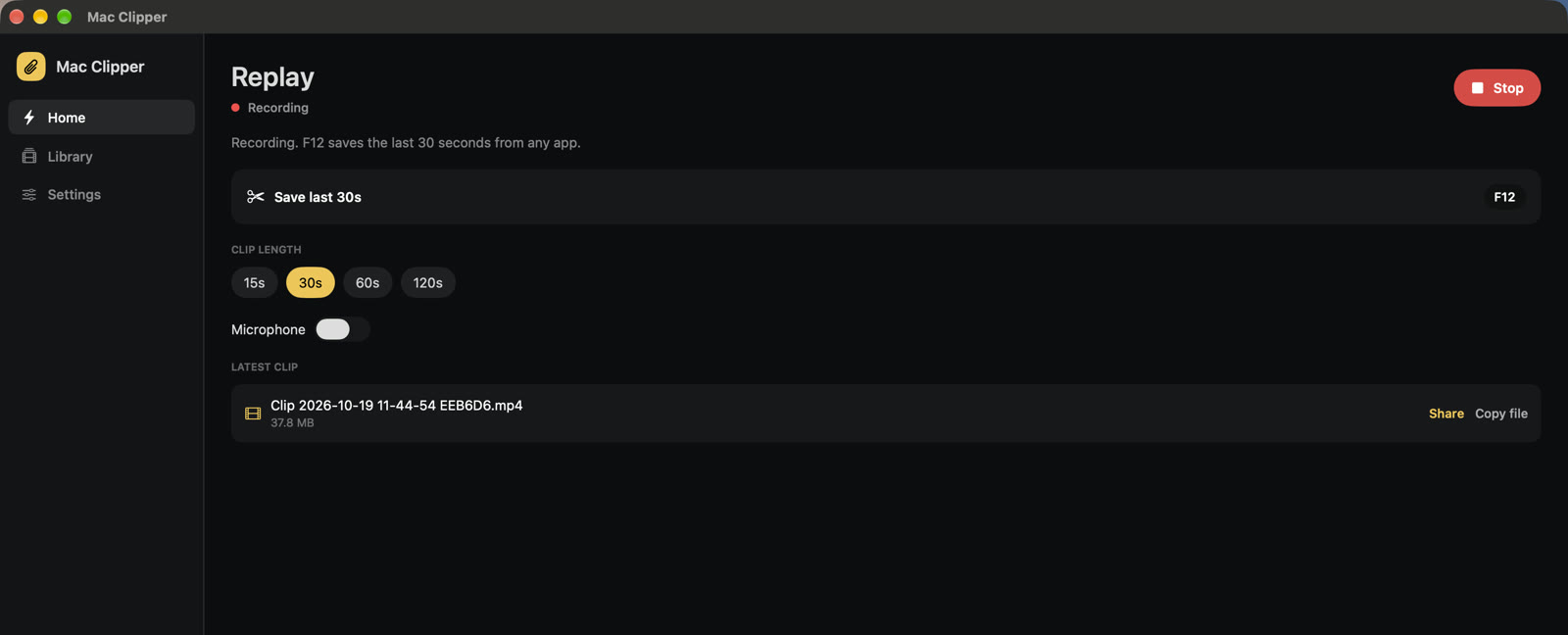
Open Mac Clipper and hit Arm. It keeps a rolling buffer on this computer.
Instant replay for Mac
Arm it once. Hit F12 — the moment is already saved on your computer, not in the cloud.
From this Mac
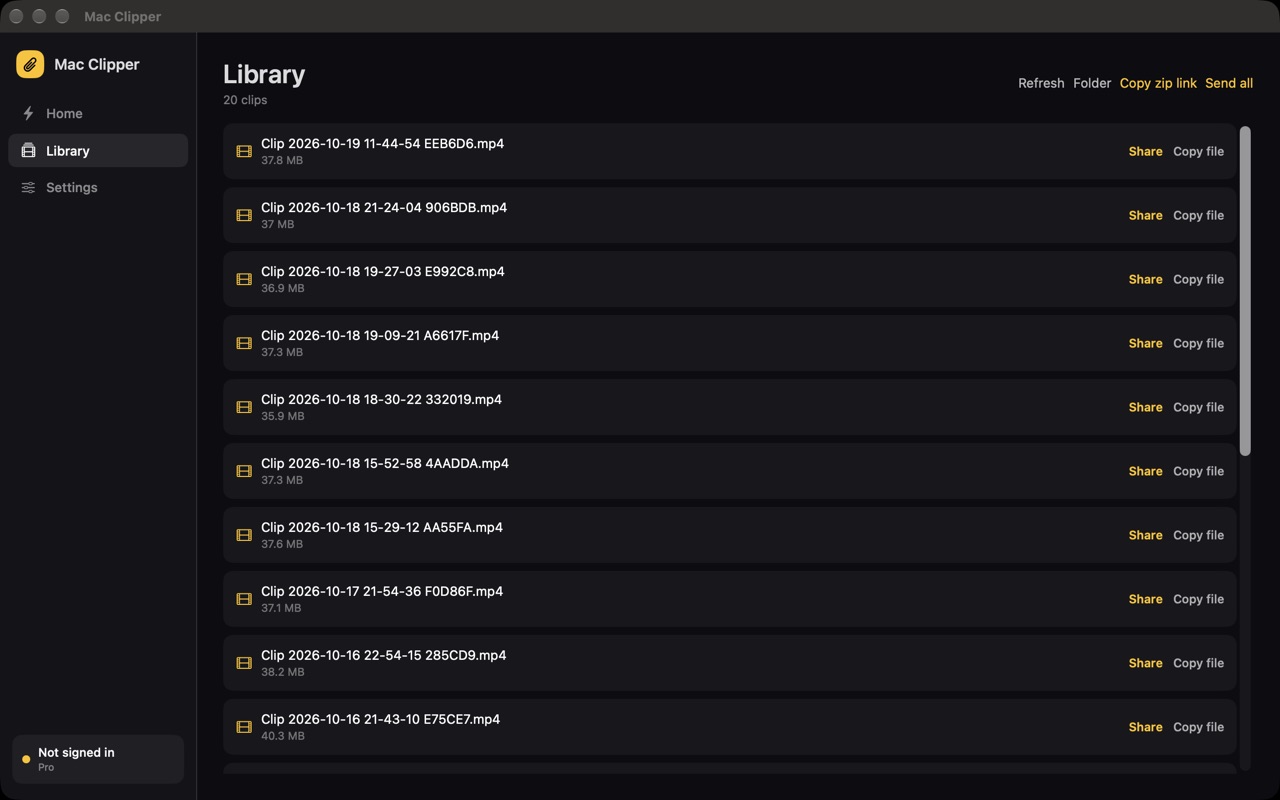
Click one. These are actual moments saved with Mac Clipper — they live on the Mac until you share them.
Three steps
No extra recorder sitting in the background eating the whole session.
Open Mac Clipper and hit Arm. It keeps a rolling buffer on this computer.
Or whatever key you set. It saves the last 15, 30, 60, or 120 seconds.
Clips stay in your library. Send one, or zip all of them, when you’re ready.
Simple pricing
Use it free with a watermark. Pro is free for the first month.
$0 forever
$5.99 / month after
On this computer